

Download Planet VPN – Free, Secure & Fast VPN for Windows, Mac, Android & iOS
Overview: Why Planet VPN Stands Out in the Free VPN Market
In an era where online privacy is constantly under threat, finding a trustworthy VPN that doesn’t lock you behind a paywall can feel like searching for a needle in a haystack. Planet VPN, developed by Free VPN Planet, answers that call with a surprisingly generous free tier, zero‑registration setup, and a clear focus on core privacy fundamentals. Unlike many free services that throttle speed, impose data caps, or harvest personal information, Planet VPN offers unlimited bandwidth, solid 256‑bit encryption, and a strict no‑logs policy—all without asking for an email address or a credit card.
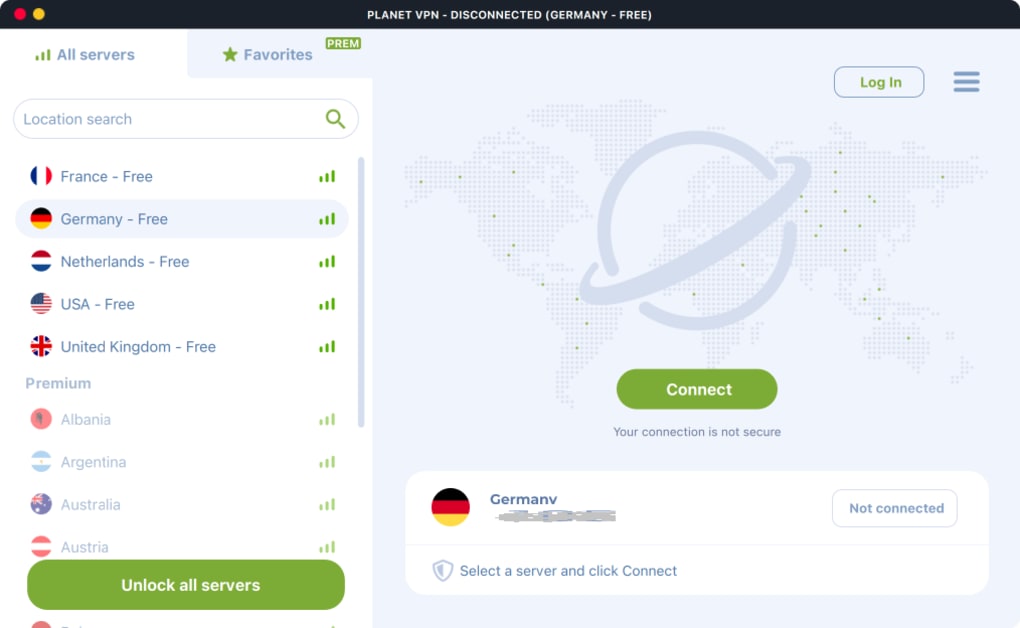
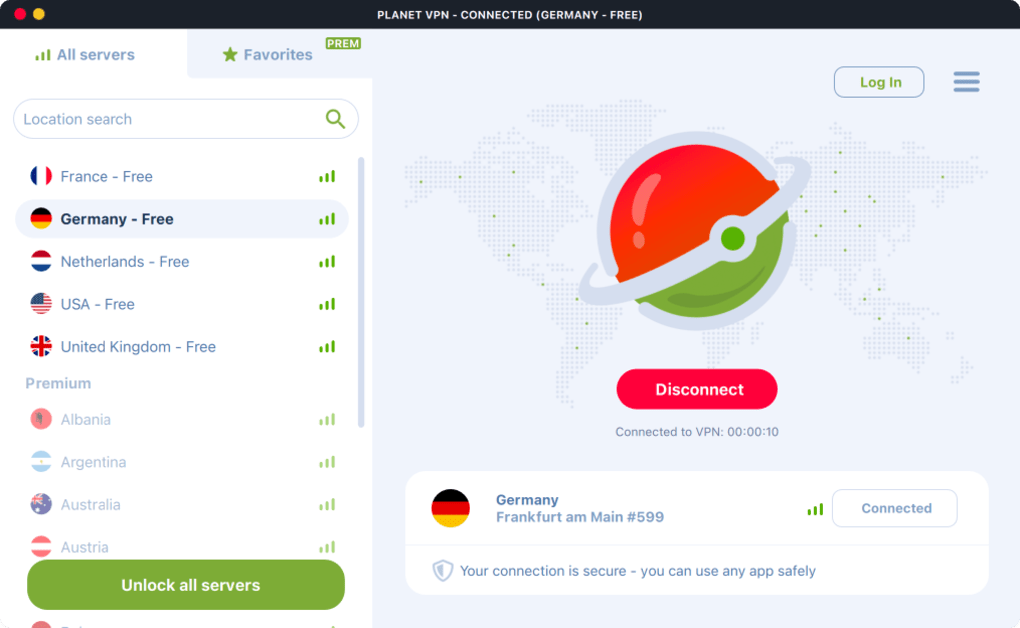
From a casual browser who wants to watch a region‑locked Netflix show to a frequent traveler looking to avoid price discrimination on airline tickets, Planet VPN delivers a simple, one‑click experience across Windows, macOS, Android, iOS, and even router firmware. The main menu shows your current IP, your detected region, and a single “Connect” button that instantly routes you through one of the five free server locations (USA, United Kingdom, Germany, France, and the Netherlands). Premium users gain access to over 60 additional locations, support for up to ten devices per account, and a few extra performance tweaks, but the free version already packs enough to make daily browsing, streaming, and gaming feel unrestricted.
Security‑focused users will appreciate the built‑in kill switch (which can be manually enabled in Settings), the encrypted hard drives on Planet VPN’s servers, and the fact that the service never writes connection logs. While it lacks advanced add‑ons like a built‑in ad blocker or firewall integration, the streamlined approach keeps the software lightweight and reduces the attack surface. In short, Planet VPN is a solid entry point for anyone who wants to hide their IP, bypass geo‑blocks, and keep their data safe without jumping through registration hoops or worrying about hidden fees.
Key Features, Pros & Cons of Planet VPN
Feature List
- Unlimited bandwidth and speed on the free tier
- Five free server locations (USA, UK, Germany, France, Netherlands)
- 256‑bit AES encryption and encrypted hard drives on servers
- No‑logs policy – only optional email for multi‑device sync
- Kill switch (manual activation) to protect traffic if VPN drops
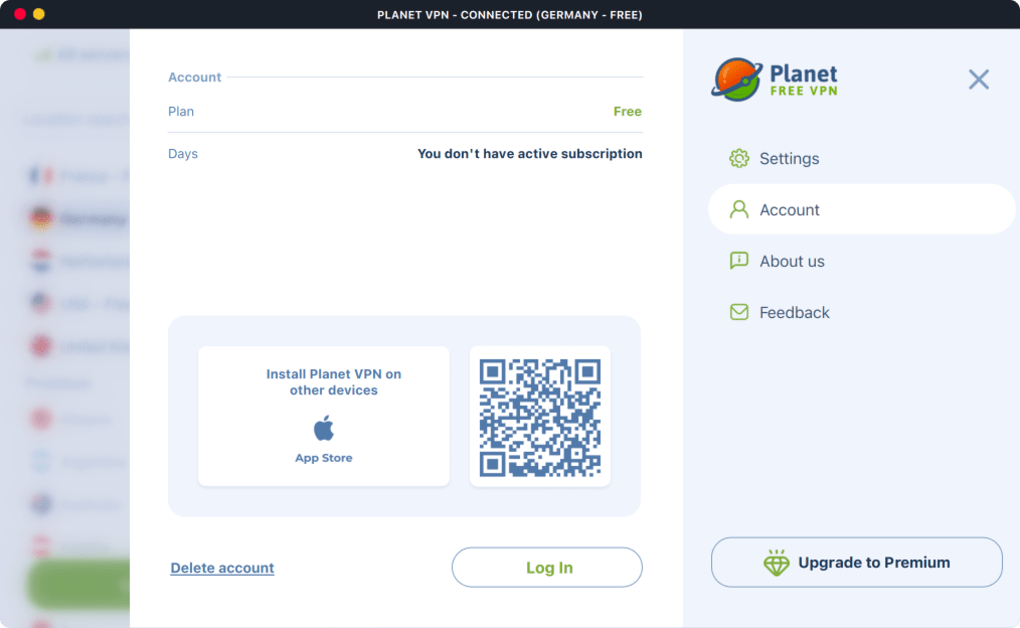
- Support for up to 10 devices per premium account (Windows, macOS, Android, iOS, routers)
- Geoblocking bypass for streaming services, gaming platforms, and adult content
- Potential cost‑saving by masking your location for travel and e‑commerce purchases
- Simple one‑click connection interface with real‑time IP display
- Free tier requires no account creation or personal data
Pros
- Zero registration: Start using the VPN instantly after download.
- Unlimited data: No hidden caps, perfect for binge‑watching or long gaming sessions.
- Strong encryption: 256‑bit AES keeps data secure in transit and at rest.
- Multi‑platform support: Works on Windows, macOS, Android, iOS, and routers.
- Geoblock removal: Access regional libraries, sports streams, and restricted websites.
- Cost‑saving potential: Change your virtual location to find cheaper flight or game prices.
- Transparent privacy: Strict no‑logs policy builds trust.
Cons
- Only five free server locations; premium upgrade needed for broader coverage.
- Kill switch must be enabled manually – not active by default.
- Lacks advanced features like built‑in ad blocker, firewall integration, or split tunneling.
- Premium plans are required for simultaneous use on more than one device.
- Interface is very basic – power users may miss detailed configuration options.
Installation, Usage & Compatibility Guide
Getting Planet VPN up and running is intentionally straightforward. Follow these steps to download, install, and start protecting your connection on any supported platform.
Step‑by‑Step Installation
- Download the installer: Visit the official Planet VPN website and click the “Download” button for your operating system (Windows .exe, macOS .dmg, Android .apk, iOS App Store). The file is signed and free of adware.
- Run the installer: On Windows, double‑click the .exe and follow the wizard. macOS users drag the app to the Applications folder. Mobile users tap “Install” and grant the required permissions (VPN configuration).
- Launch the app: The first launch displays your current IP address, detected country, and a simple “Connect” button.
- Select a server: Choose from the five free locations on the main screen. Premium users can access the full list after logging in.
- Enable optional features: Open Settings to turn on the kill switch, choose a preferred protocol (OpenVPN or WireGuard), and configure auto‑connect on startup.
Usage Tips for Optimal Performance
- Choose the nearest server: For streaming, select the server geographically closest to the content source to minimize latency.
- Enable the kill switch: This protects you if the VPN connection drops unexpectedly.
- Use WireGuard when available: It offers faster speeds with comparable security to OpenVPN.
- Clear DNS cache after switching servers: This prevents DNS leaks and ensures you stay anonymous.
Compatibility Across Devices
Planet VPN is built to work on the most common platforms:
- Windows 10/11 (64‑bit)
- macOS 10.13+ (Catalina, Big Sur, Monterey, Ventura)
- Android 6.0+ (APK from website or Google Play)
- iOS 13+ (App Store)
- Router firmware (OpenWrt, DD‑WRT)
Because the client is lightweight, it runs smoothly on older hardware without draining battery on mobile devices. The same binary is used for both free and premium accounts, so upgrading never requires a reinstall.
Frequently Asked Questions
Is Planet VPN truly free or does it have hidden costs?
Planet VPN offers a completely free tier with unlimited bandwidth and no hidden fees. The only costs appear if you choose to upgrade to a premium plan for additional server locations and multi‑device support.
Do I need to create an account to use the free version?
No. The free version works without registration. You can download, install, and connect instantly. An email address is only requested if you want to sync your subscription across multiple devices.
How does Planet VPN protect my data from being logged?
Planet VPN follows a strict no‑logs policy. It does not store connection timestamps, IP addresses, or browsing activity. Server hard drives are encrypted, and only minimal metadata (optional email) is kept for account management.
Can I use Planet VPN for streaming services like Netflix or Disney+?
Yes. The free servers in the USA, UK, and Germany are often sufficient to unblock major streaming platforms. Premium servers expand your options, providing faster routes and more regional libraries.
What happens if my VPN connection drops?
Planet VPN includes a kill switch that, when enabled in Settings, immediately blocks all internet traffic if the VPN tunnel disconnects. This prevents your real IP from being exposed.
Conclusion & Call to Action
Planet VPN delivers exactly what most users look for in a free VPN: unrestricted bandwidth, solid encryption, and a no‑log guarantee, all without demanding personal information at signup. Its straightforward interface makes it ideal for beginners, while the premium upgrade offers enough server diversity for power users who need more geographic flexibility. Although it lacks some of the bells and whistles found in paid competitors—such as built‑in ad blocking or automatic kill‑switch activation—the core privacy and streaming capabilities are reliable and fast.
If you’re searching for a secure, privacy‑focused tool to hide your IP, bypass geo‑restrictions, and potentially save money on online purchases, Planet VPN is a worthy candidate. Download the free version today, test it on your primary device, and decide whether the premium plan’s additional locations merit an upgrade.
Ready to protect your online presence? Click here to download Planet VPN for Windows, macOS, Android, or iOS and enjoy a safer internet experience right now.







